Batch planning for recurring SKUs
Standardize sheet usage and cut planning for repeat metal panel jobs while preserving traceable optimization settings.
Metal Fabrication Planning
CutOps gives fabrication teams fast cut planning without losing key details. Load your stock and parts, run a layout in the browser, and check practical metrics before you release.
This fits both recurring jobs and mixed queues. Compare layout options fast. Export the plan you pick. Keep records consistent from estimating through production.
Some features are available only on paid plans.
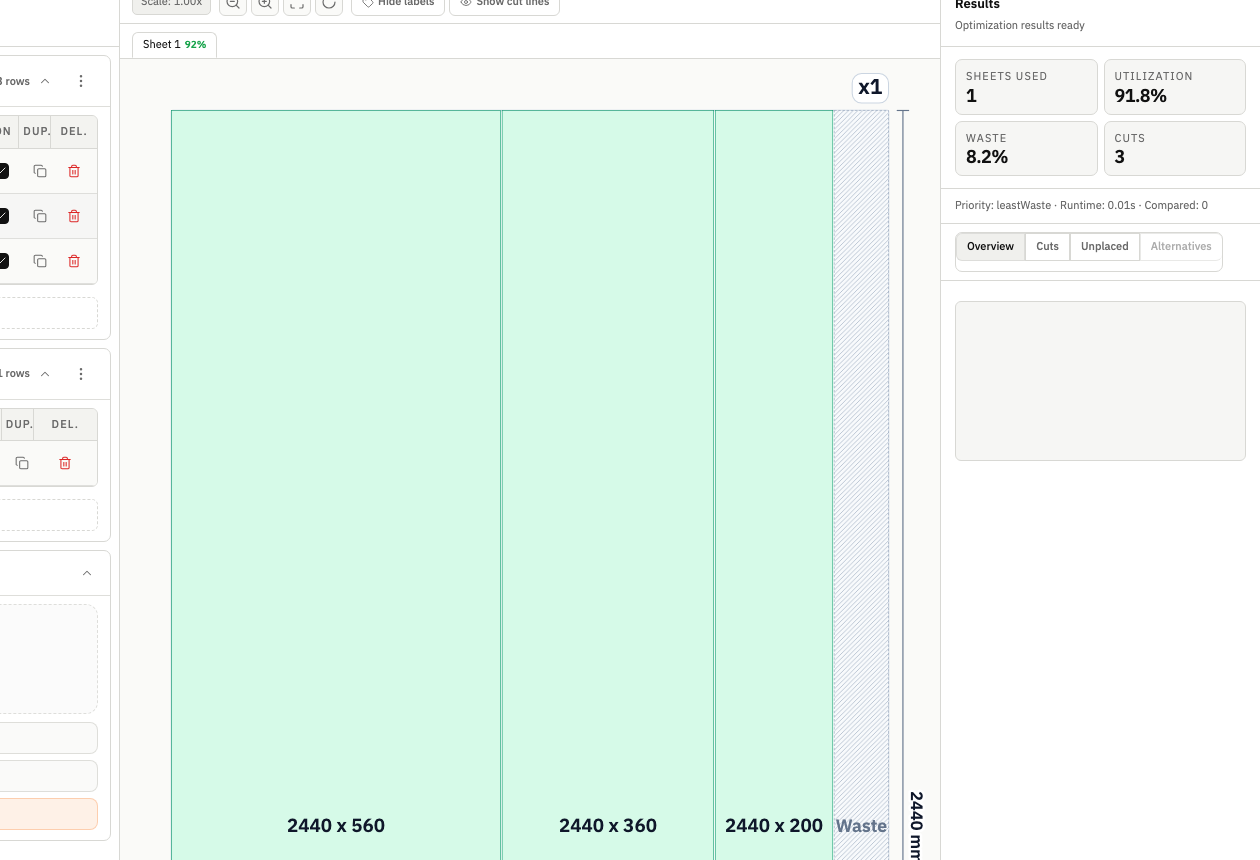
Good metal planning needs to be repeatable. CutOps connects your layout, metrics, and export in one run. Teams see efficiency and handling impact at the same time.
Job inputs, layout, metrics, and export are all in one place. Adjust your settings and compare layouts without switching tools.
The same inputs give the same result every time. Planning discussions use the same layout as the export. That reduces rework when jobs move to the floor.
Standardize sheet usage and cut planning for repeat metal panel jobs while preserving traceable optimization settings.
Test alternative layouts for throughput versus utilization when scheduling pressure and stock limits both matter.
Share one consistent layout package between estimator, planner, and operator to reduce misalignment and late-stage changes.
Build topical context from feature-specific workflows. Use these pages to compare optimization strategies, validate constraints, and move from planning to production release with fewer surprises.
CutOps is built for rectangular sheet and panel optimization workflows and is suitable for many sheet metal planning scenarios where layout and export clarity are required.
Yes. Teams can compare optimization outcomes and select the variant that best matches material targets, cut simplicity, and throughput goals.
Yes. You can keep project structure in the workspace and export JSON snapshots for reproducible reruns and review continuity.
Yes. You can start with core layout planning in your browser and review the result before cutting.
Yes. CutOps supports PDF and PNG for visual handoff plus CSV and JSON for structured downstream use.
Use CutOps to align sheet layout, KPI review, and export before you release to the floor.
Cookie and privacy preferences
We use strictly necessary cookies to run CutOps. With your consent, we also collect limited analytics to improve the product. Read our Privacy Policy for details.