A DIY project
Plan shelves, a cabinet or garage storage. Check how many sheets you need and review the cutting layout before buying material.
Plan my project →Pro for one project: explore the 7-Day Pass →Plan your next DIY build or your workshop's next job.
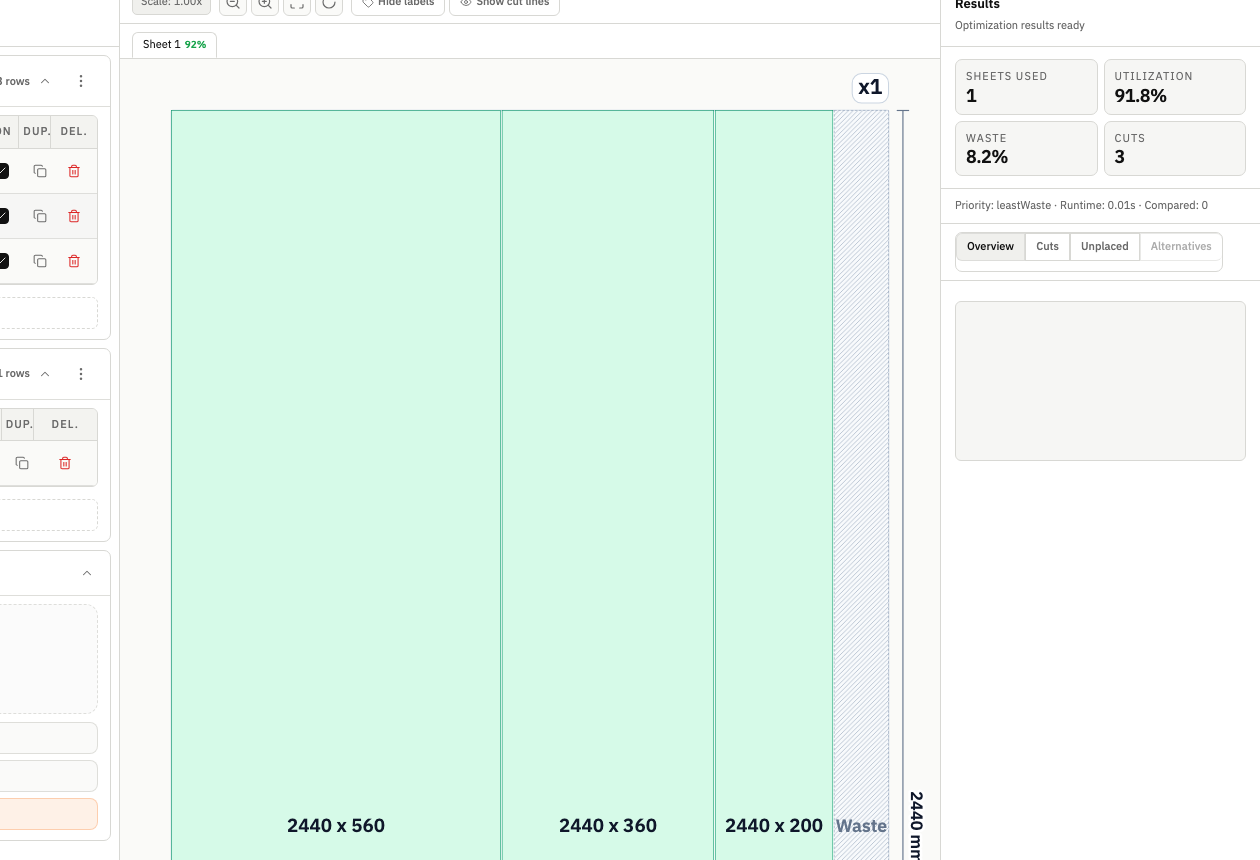
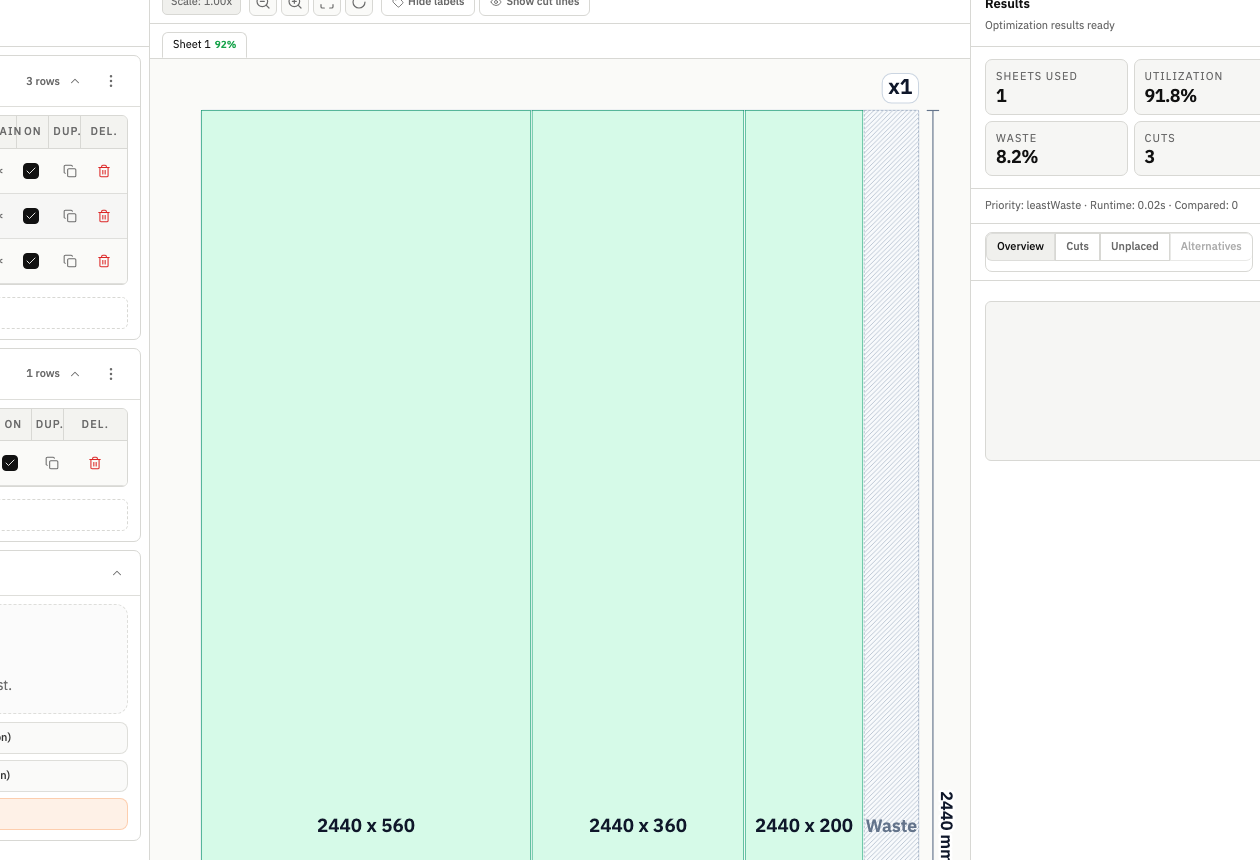
Turn your list of rectangular parts into clear cutting layouts for wood, glass, metal or plastic, right in your browser.
Some features are available only on paid plans.
Your project, your workflow
Plan shelves, a cabinet or garage storage. Check how many sheets you need and review the cutting layout before buying material.
Plan my project →Pro for one project: explore the 7-Day Pass →Turn parts lists into cutting layouts for customer orders. Review sheet requirements and export a clear plan to hand over for cutting.
Plan a workshop job →Pro for regular work: explore the monthly plan →Where margin disappears
Most shops lose material before the first cut — not on the floor, but in planning.
One workspace. Start to finish.
From parts and stock to verified layouts, exports, and ready-to-use handoff in one flow.
Why CutOps
Generate practical, constraint-aware layouts that balance sheet utilization, cut complexity, and material usage.
Materials
Pricing
For solo projects, occasional runs, and trying it out
$0
Free forever
Pro access for a short project with no automatic renewal
$5
One-time payment
The same Pro features, with monthly or yearly billing.
$10 / month
$120 billed annually
Renews automatically. Cancel anytime to stop the next renewal.
Start Pro Yearly — $120/yearNo install. No setup. Keep parts, stock, layouts, and exports in one workspace.
Cookie and privacy preferences
We use strictly necessary cookies to run CutOps. With your consent, we also collect limited analytics to improve the product. Read our Privacy Policy for details.