Window and partition panes
Arrange repeated rectangular panes across the stock sizes you actually buy, then check sheet count and utilization before ordering material.
Glass Sheet Planning
Use CutOps glass cutting software to arrange rectangular panes on the stock sheets you have. Start with the glass example below, or enter your own sheet sizes, pane dimensions, quantities, units, and rotation rules.
Check sheet count, utilization, and any unplaced parts before accepting a layout. Export that same result as PDF or PNG for visual review, or CSV and JSON for downstream records. The free example does not require an account.
Some features are available only on paid plans.
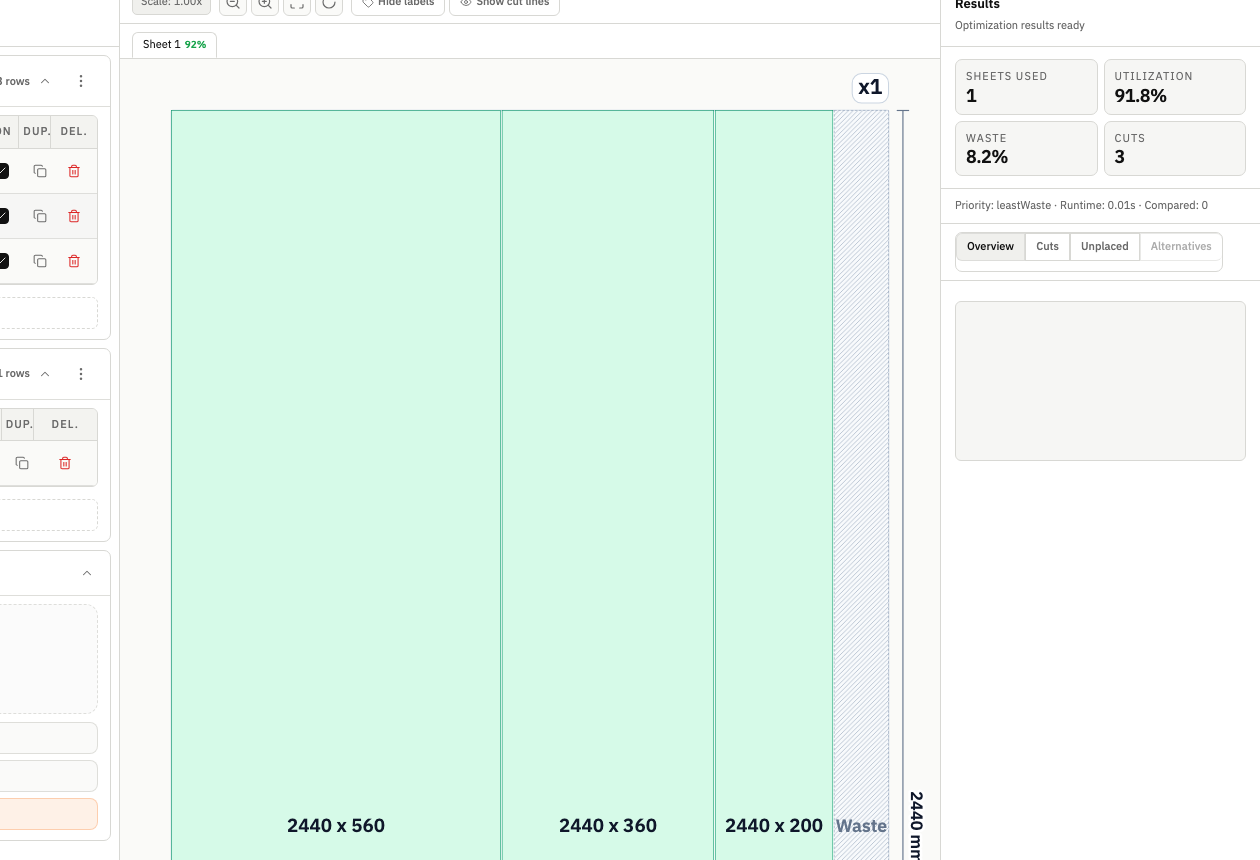
Glass cost is committed before the first score. A usable plan must show what fits, what does not, how many stock sheets are needed, and whether a simpler layout is worth a small yield tradeoff. CutOps keeps those decisions visible before material reaches the cutting table.
Every run reports utilization, used sheet count, cut count, and any unplaced parts beside the layout. Change stock, quantities, or per-part rotation rules and rerun. Use strategy comparison and optimization depth when you need to review alternatives.
CutOps is glass optimization software for rectangular layout planning. It does not generate curved shapes, holes, CNC toolpaths, or glass-specific breakout sequences, and it does not manage orders or factory operations. Validate the cutting method and use specialist production software where required.
The glass example loads one 2400 x 1800 mm stock sheet, six 600 x 400 mm panes, and two 900 x 500 mm panes. The checked example places all eight panes on one sheet at 54.2% utilization. Inspect the inputs and layout together, then replace those dimensions with your own job; this result is not a savings forecast.
The example uses 0 mm kerf as a demonstration setting for scored glass. It is not a recommendation for every cutting process. Check your actual separation allowance, edge requirements, and breakout method before production; those physical checks remain outside the layout calculation.
Arrange repeated rectangular panes across the stock sizes you actually buy, then check sheet count and utilization before ordering material.
Combine different rectangular sizes and quantities in one job, preserve rotation requirements, and identify any pieces that still need stock.
Estimate material demand from the optimized layout, then export the checked result so quoting, review, and production use the same plan.
Build topical context from feature-specific workflows. Use these pages to compare optimization strategies, validate constraints, and move from planning to production release with fewer surprises.
CutOps fits jobs made from rectangular stock and rectangular panes, such as windows, partitions, mirrors, shelves, and tabletops. It does not plan curves, holes, or other shaped-glass geometry.
No. CutOps is browser-based. You can open the glass example, run optimization, review layouts, and export results without installing desktop software or creating an account.
Teams can check the layout, utilization, used sheet count, cut count, and unplaced parts, then export PDF or PNG for visual review and CSV or JSON for downstream records.
CutOps is browser-based glass optimization software for rectangular layout planning, review, and export. It does not generate machine toolpaths or glass-specific breakout sequences, so specialist CAM can remain the downstream production system.
Yes. Teams using glass optimising software or glass optimiser terminology can work in millimetres or centimetres, while US teams can use decimal or fractional inches.
Yes. You can start with core layout planning in your browser and review the result before cutting.
Yes. CutOps supports PDF and PNG for visual handoff plus CSV and JSON for structured downstream use.
Start with a complete eight-pane example. Review its sheet layout, change the inputs, and export a result you can check before cutting.
Cookie and privacy preferences
We use strictly necessary cookies to run CutOps. With your consent, we also collect limited analytics to improve the product. Read our Privacy Policy for details.