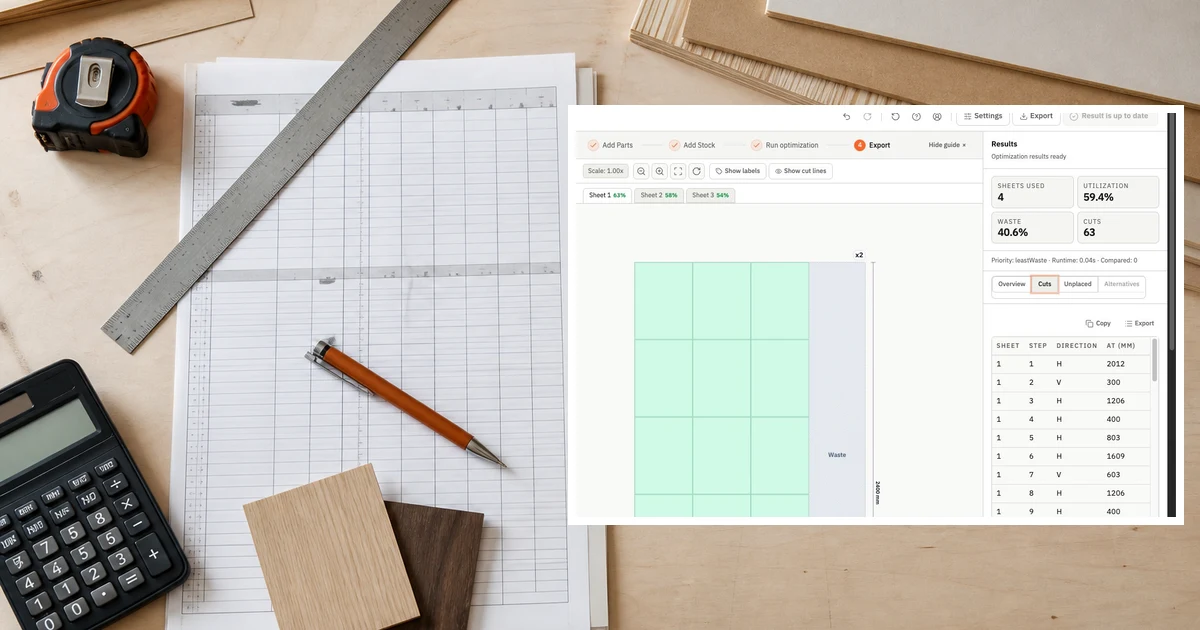
The honest case for spreadsheets
Spreadsheets are not a bad tool for cut planning. For a one-off job with a small part count and familiar material, a well-maintained spreadsheet works. You know where the data lives, you control the format, and there is no software to learn.
The problem is not the spreadsheet. The problem is the workflow that grows up around it.
Where spreadsheets break down
Most shops do not abandon spreadsheets because of one failure. They abandon them after the same frustrations repeat often enough to cost real money.
Recalculation on every job
A spreadsheet cut list does not optimize — it records. Someone still has to work out the layout, calculate how many sheets to order, and check that parts fit. That mental work takes time on every job, and it scales linearly with job complexity.
A dedicated cut list optimizer generates the layout from the inputs. You provide part dimensions and stock. The software handles nesting, utilization, and sheet count.
No utilization visibility
Spreadsheets do not show you how efficiently you are using material unless someone builds that calculation in. That means waste percentages are usually unknown until the job is done and the offcut pile is visible.
Cut list software gives you utilization before you start cutting. If a layout is running at 61%, you know to adjust before committing material.
Constraint drift
Kerf, grain direction, edge banding — these constraints exist in the shop but often do not live in the spreadsheet. They sit in someone's head or in a handwritten note stapled to the job packet.
When a constraint is forgotten, you find out at the machine. That is an expensive discovery point.
Handoff friction
Spreadsheets are designed for data, not production communication. Converting a spreadsheet cut list into something an operator can use — a visual layout, a cut sequence, a labeled sheet diagram — requires extra steps.
Cut list software exports production-ready output. The plan that gets planned is the plan that gets cut.
When spreadsheets still make sense
- Single-piece jobs with three or fewer parts
- Exploratory quoting where exact layout is not needed
- Shops that have no repeat production and no team handoff
If any job involves more than one sheet, repeated panel dimensions, or a handoff between planner and operator, dedicated software recovers more time than it costs.
What to look for in cut list software
Not all cut list tools are equivalent. The most important capabilities for production shops:
Constraint support. Can the tool handle kerf, grain direction, and orientation locks? A tool that ignores kerf produces layouts that do not fit.
Strategy comparison. Can you run multiple optimization strategies and compare utilization, cut count, and complexity? The first layout is rarely the best one.
Export quality. Does the output work for your team? PDF layouts, CSV cut lists, and labeled diagrams each serve different roles in the production workflow.
Browser-based access. Tools that require installation create update friction and machine dependencies. A browser-based tool works on any machine.
The practical switching point
Most shops reach the switching point when they can name the last time a spreadsheet plan caused a recut, a material shortage, or a handoff failure. If you can name it, the cost has already been absorbed. The question is whether to absorb it again.
Run a cut list in CutOps and compare the output to your current spreadsheet workflow. The first job usually makes the case without needing a formal evaluation.