Yield-first versus simplicity-first decisions
Quantify whether higher utilization is worth additional cuts or if a simpler run better supports floor throughput.
Cut Optimization
CutOps helps teams compare optimization strategies so final cut decisions are based on clear tradeoffs instead of one default run. Different strategies can shift utilization, cut count, and handling complexity in ways that materially affect production.
By reviewing alternatives in one workspace, teams can choose the layout that best fits current priorities: maximum material efficiency, reduced cut complexity, or a balanced compromise. This decision workflow is especially useful when margins are tight and throughput expectations are high.
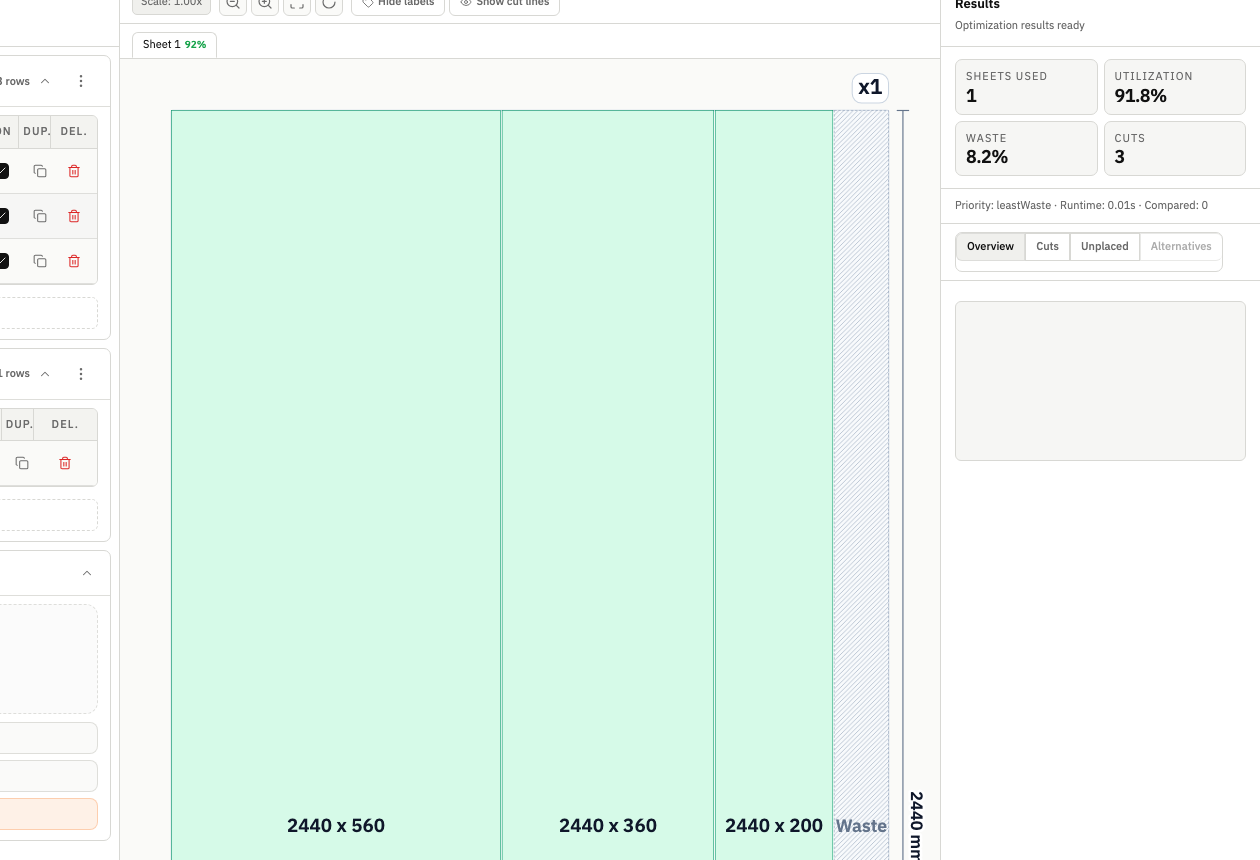
Comparing optimization strategies is often the difference between a mathematically good layout and an operationally good layout. CutOps keeps alternatives, KPIs, and outputs aligned so teams can select the right plan with less guesswork.
CutOps supports comparison as part of normal planning, not as a disconnected analysis step. Teams can run alternatives, inspect key metrics, and keep decision context tied to the final selected output.
Once a strategy is chosen, the same workspace provides exports and result records. This avoids the common problem of selecting one scenario during review but exporting another from a different tool state.
Quantify whether higher utilization is worth additional cuts or if a simpler run better supports floor throughput.
Review competing scenarios before sending final numbers so material and labor assumptions are better grounded.
Use one comparison view for estimator, planner, and operator discussion to reduce downstream interpretation mismatch.
Build topical context from feature-specific workflows. Use these pages to compare optimization strategies, validate constraints, and move from planning to production release with fewer surprises.
Because different strategies can optimize different outcomes. A single run may maximize one metric while creating unnecessary complexity in another area that matters on the floor.
Start with utilization, total cuts, and sheet usage, then review layout readability and unplaced parts. Together these provide a practical decision baseline.
Yes. After choosing the strategy, you can export PDF, CSV, PNG, and JSON from the selected result state for handoff and auditability.
Use CutOps to evaluate strategy alternatives quickly and release the plan that best matches your production priorities.