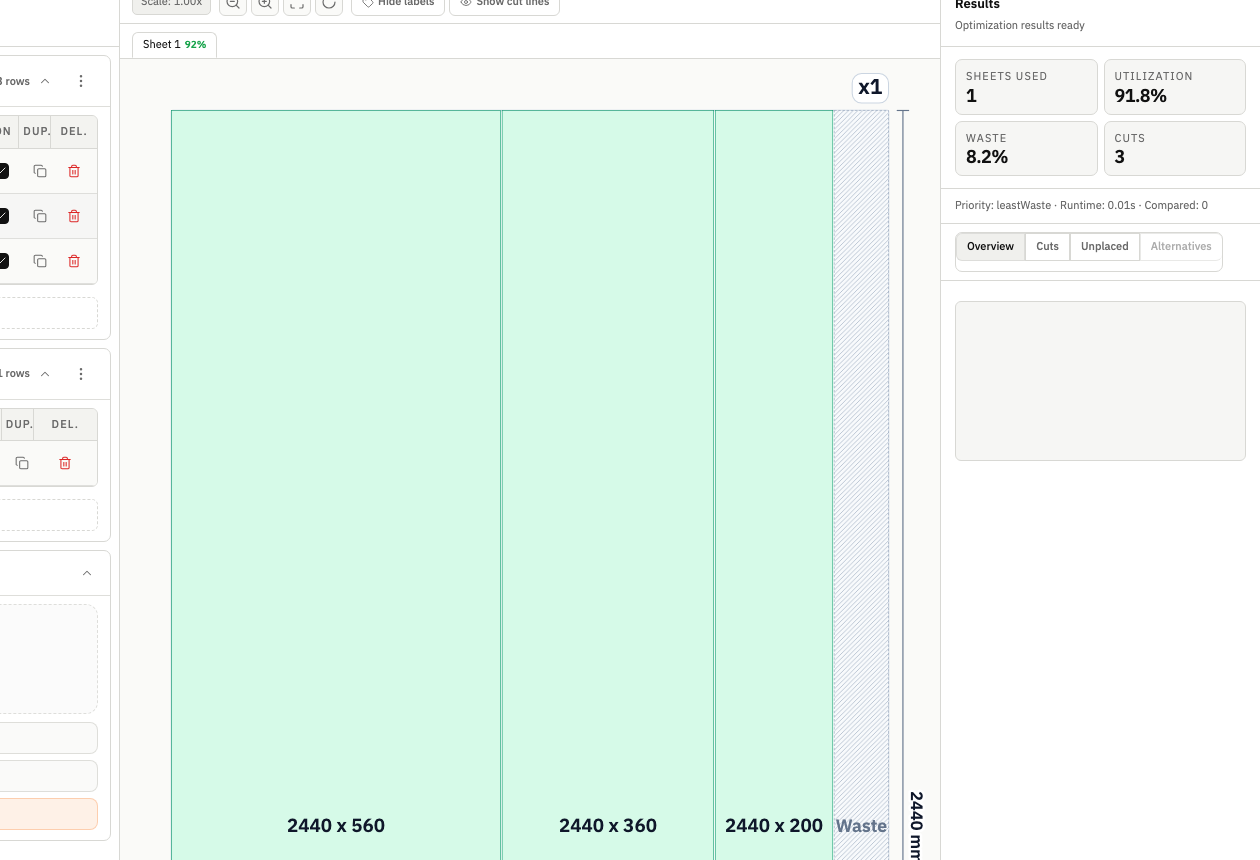
Grain direction can invalidate a "perfect" layout
A layout can score high on utilization and still fail in production if grain direction is ignored.
In many panel workflows, orientation is part of product quality, not a cosmetic detail.
If parts rotate freely during optimization, you may get better numbers at the cost of unacceptable final output.
This guide explains how to handle grain direction in panel cutting without losing control of utilization, cut complexity, and handoff quality.
Why orientation constraints matter
Grain direction influences:
- Visual consistency across visible surfaces.
- Structural behavior in direction-sensitive materials.
- Assembly quality and perceived finish.
- Rework risk when rotated parts are discovered late.
When orientation is a requirement, allowing unrestricted rotation creates false optimization wins.
The most common grain-direction failure pattern
Teams often run optimization with rotation enabled, review a strong utilization score, and approve the layout. Later, someone notices rotated visible panels, and the team re-plans under deadline pressure.
That re-plan typically causes:
- Additional planning cycles.
- New waste from discarded assumptions.
- Delays in release.
- Reduced trust in the planning workflow.
The fix is simple: lock orientation rules early.
Set grain constraints before comparison
Do not treat grain as a final polish step.
Correct sequence:
- Define parts and stock.
- Apply orientation constraints for grain-sensitive parts.
- Set kerf and other core parameters.
- Run strategy comparison under real constraints.
If grain constraints are applied only after selecting a strategy, your selected layout is not truly validated.
Segment parts by orientation sensitivity
Not every part needs strict orientation.
Segment your parts into:
- Strict orientation: visible, matching, or direction-critical parts.
- Flexible orientation: hidden or functionally insensitive parts.
- Review-required: ambiguous items that need explicit decision.
This segmentation protects quality while preserving some optimization flexibility.
Utilization tradeoffs are expected
When grain constraints are active, utilization may drop.
That is not automatically a bad outcome. It can be the correct business decision when it avoids visible defects and expensive remakes.
Evaluate with a balanced lens:
- Utilization percentage.
- Cut complexity.
- Quality compliance risk.
- Probability of downstream rework.
A slightly lower utilization can still be a higher-margin decision if it reduces remakes.
Grain + kerf interaction
Grain constraints reduce placement options. Kerf consumes additional space.
Together, they can expose edge-case fit issues in dense layouts.
For grain-sensitive projects:
- Apply kerf before final strategy selection.
- Recheck tight placements.
- Watch for near-limit parts that depend on ideal spacing.
If your team has recurring fit drift, review kerf width setup guidance before final export.
Strategy comparison with orientation constraints
Use strategy comparison as a decision tool, not as a vanity metric race.
Recommended comparison approach:
- Run at least two strategies with grain constraints enabled.
- Review utilization and cut count.
- Inspect layout readability for operators.
- Confirm no orientation violations in critical parts.
- Choose the strategy that balances quality and throughput.
This prevents teams from over-indexing on one KPI.
Handoff requirements for grain-sensitive jobs
Orientation failures often happen during handoff, not optimization.
Include this context in release package:
- Which part groups are orientation-locked.
- Any exceptions approved during planning.
- Visual layout reference showing part orientation.
- Notes for quality-critical surfaces.
The goal is to make the "why" visible, not only the final geometry.
Shop-floor validation loop
After release, capture feedback from operators and quality review:
- Were orientation assumptions clear?
- Were any parts rotated manually?
- Which panels caused confusion?
- Did the selected strategy create avoidable handling complexity?
Use this feedback to refine defaults and part-tagging discipline.
Quick audit checklist before export
- Grain-sensitive parts explicitly tagged.
- Rotation policy reviewed.
- Strategy compared under real constraints.
- Kerf synchronized with current blade profile.
- Visual layout checked for orientation violations.
- Handoff notes include orientation context.
This checklist takes minutes and prevents hours of rework.
Where CutOps helps
CutOps keeps orientation constraints in the same planning flow as stock setup, kerf, strategy comparison, and exports.
Useful next steps:
- Open the grain direction optimizer workflow.
- Compare alternatives in strategy comparison.
- Run a live constrained job in the workspace.
- For broader planning consistency, review How to Reduce Material Waste in Panel Cutting.
When orientation is handled as a first-class constraint, quality outcomes become predictable and planning decisions stay defensible.